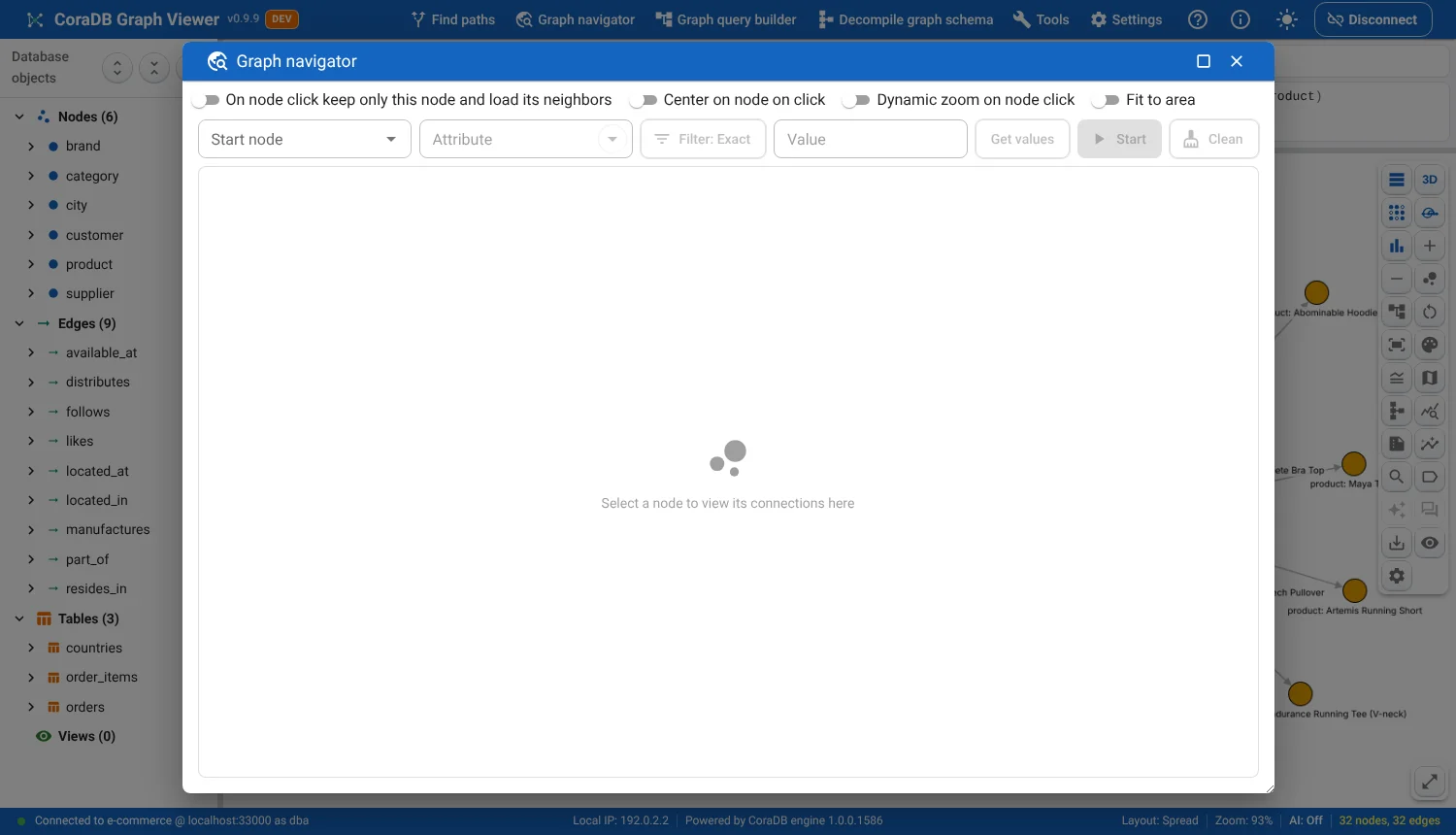
Graph navigator
Start from one node and explore the graph by clicking from node to node.
Needs the decompiled graph schema.
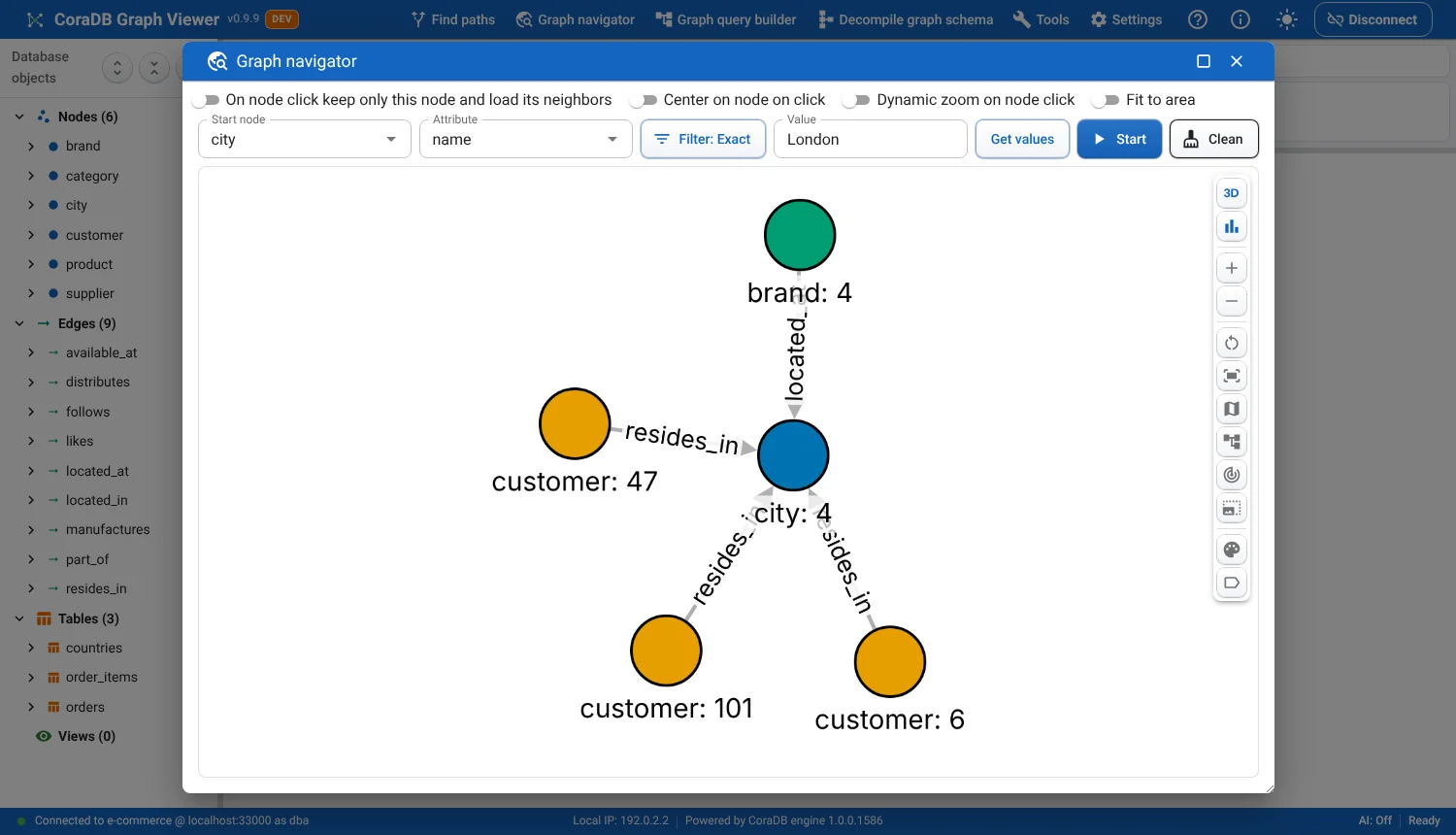
Start
- Choose the Start node type and an Attribute.
- Pick the match mode with the Filter button (Exact, or LIKE with % before, after or both) and type a Value. Get values lists the attribute's values.
- Click Start: the matching nodes (up to 50) and their neighbours are drawn.
Click a node to load its neighbours. Clean clears the inputs and the graph; Show SQLs shows the last query a click ran.
Options
| Option | What it does |
|---|---|
| On node click keep only this node and load its neighbors | Each click replaces the graph with the clicked node and its neighbours, instead of adding to it. |
| Center on node on click | Move the view to the clicked node. |
| Dynamic zoom on node click | Zoom to the clicked node and its neighbours. |
| Fit to area | Fit the whole graph after each click. |
Toolbar
3D view, Statistics, zoom in and out, Reset layout, Fit to area, viewport overview, Layout, Radial view (a node in the centre, its neighbours on the first ring, theirs on the next; click a node to put it in the centre), Change nodes size, Change colors at random, Change displayed labels and Save as PNG.
Window
The navigator can be moved and resized. The Maximize button next to Close makes it fill the browser window; Restore brings it back.