Decompile graph schema
Discover which node types each edge type connects, and in which direction.
A CoraDB database lists its node and edge classes, but not which nodes an edge joins. Decompiling finds out: it counts the objects, then asks the database, for every node–edge–node combination, whether at least one such connection exists.
The result is saved in this browser for this database and user, and is used by Find paths, the Graph navigator, the query builder, the demo queries, Generate a demo graph, Graph schema and the AI features.
Running it
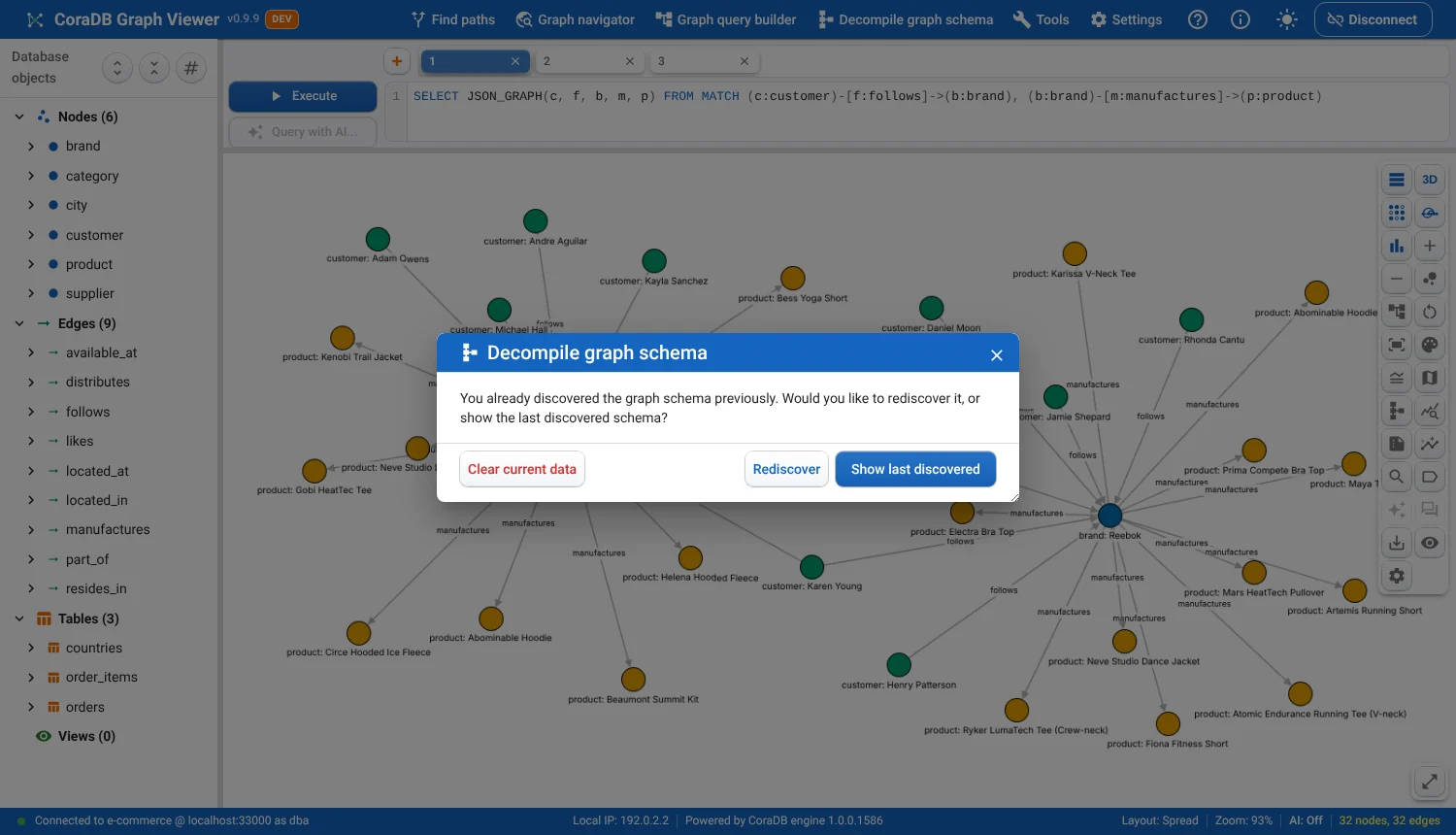
If the schema was decompiled before, you are asked first:
| Button | What it does |
|---|---|
| Show last discovered | Open the saved result. |
| Rediscover | Run the discovery again (after the database changed). |
| Clear current data | Forget the saved result. |
The result
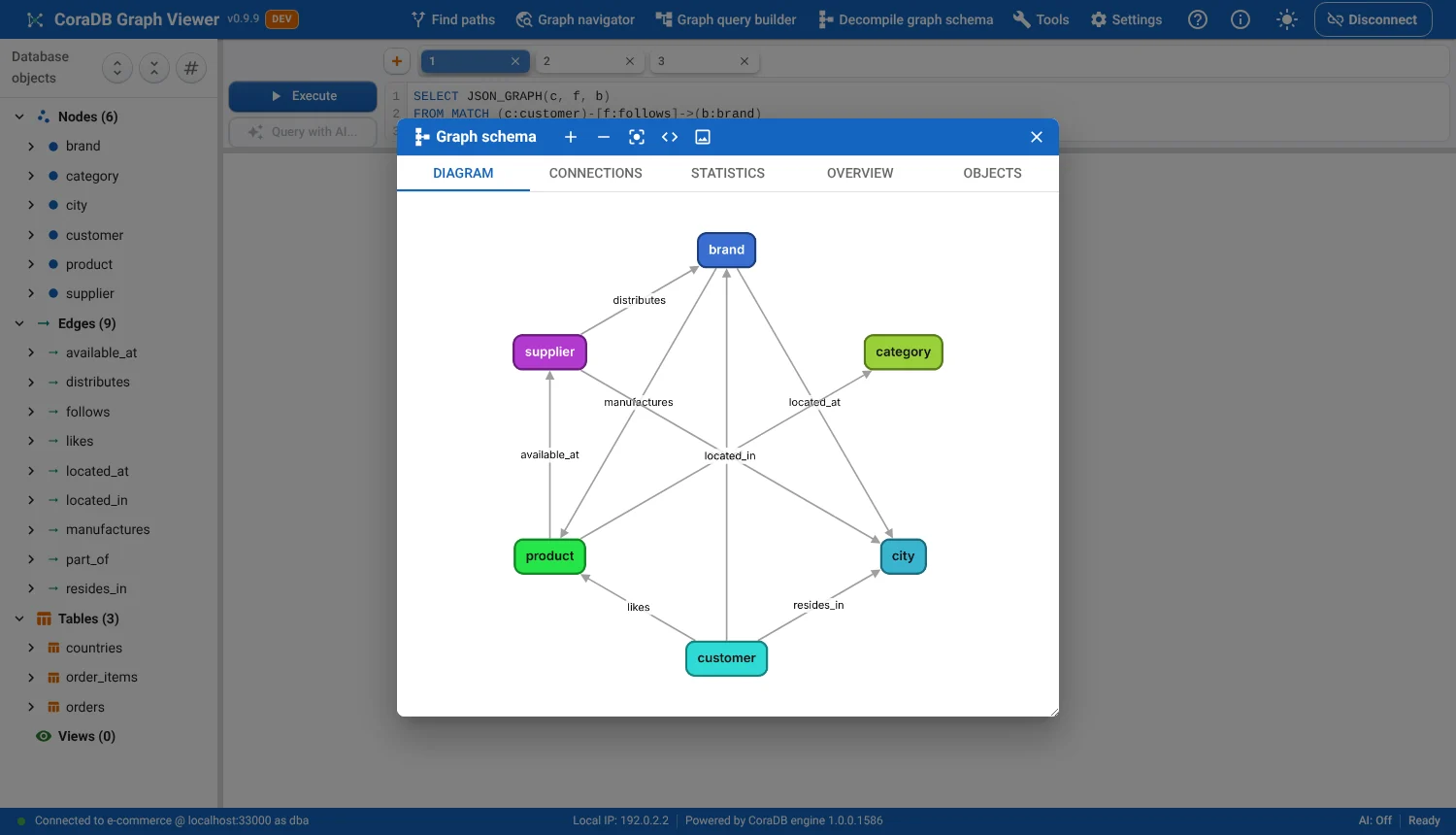
| Tab | What it shows |
|---|---|
| Diagram | The node types as boxes and the edge types as arrows. Zoom, fit, and save as SVG or PNG. |
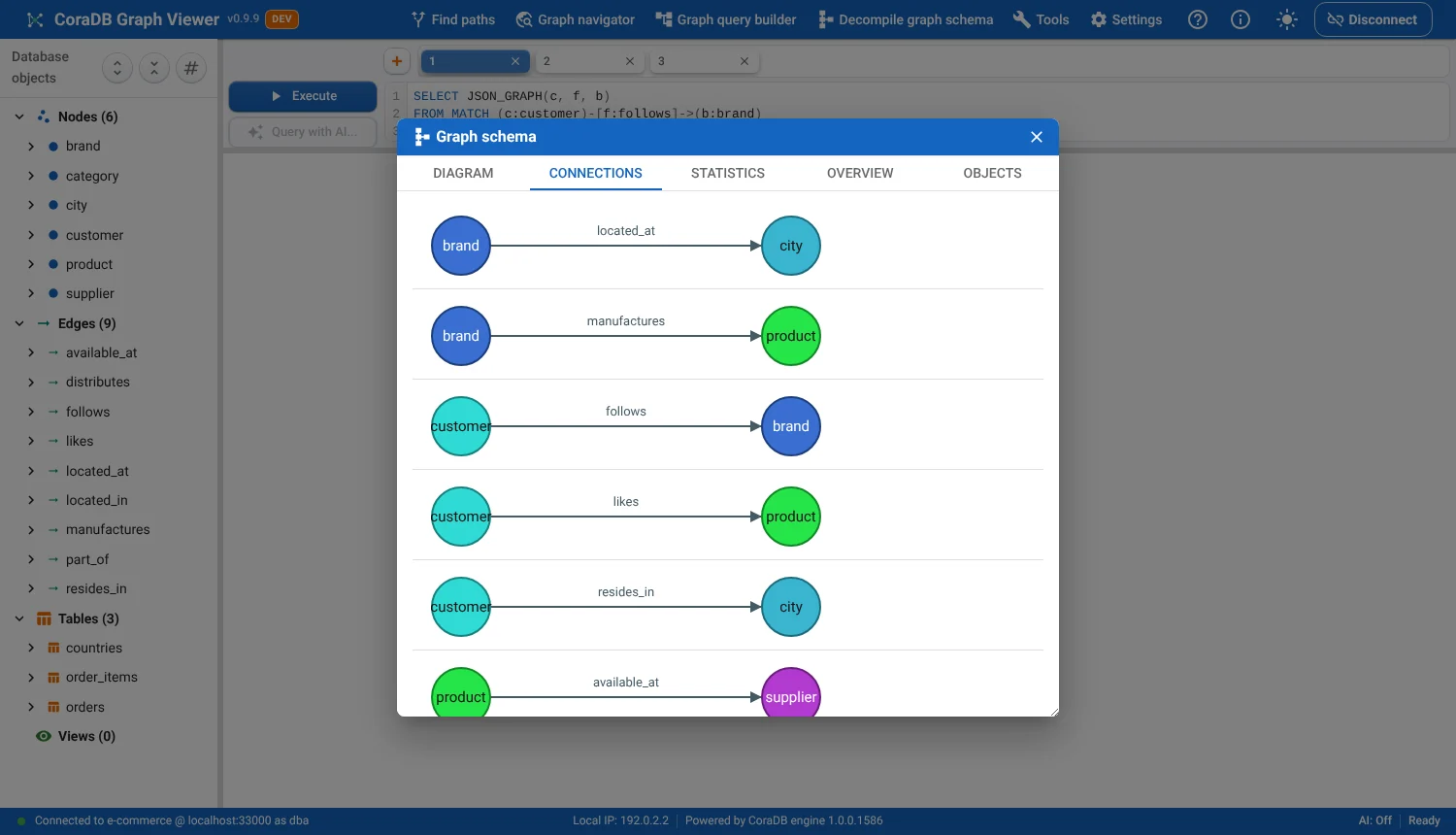
| Connections | Every connection as a line: from node, edge, to node. |
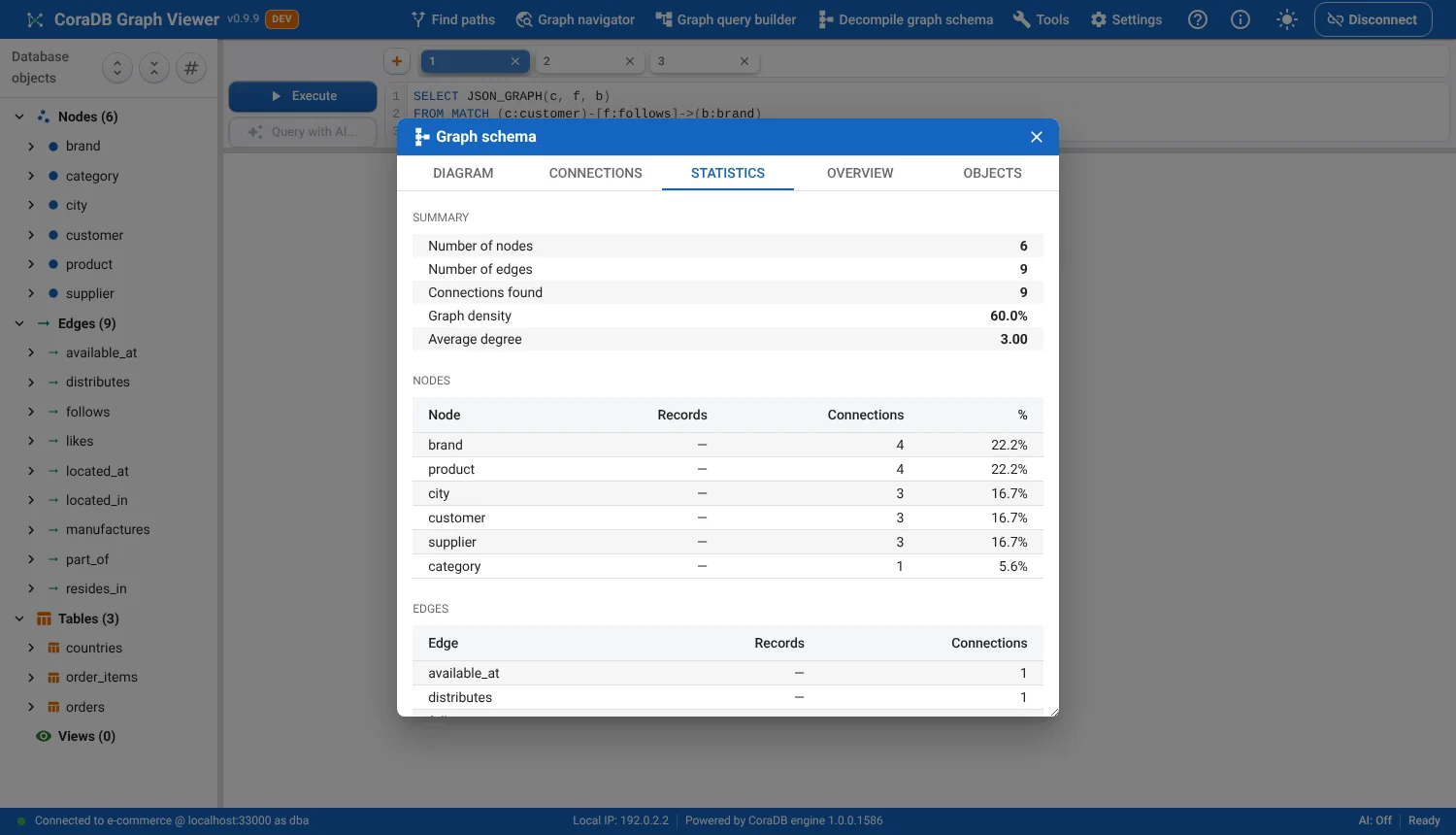
| Statistics | Counts of objects and connections. |
| Overview | An AI-written overview of the schema (when AI is enabled); can be copied. |
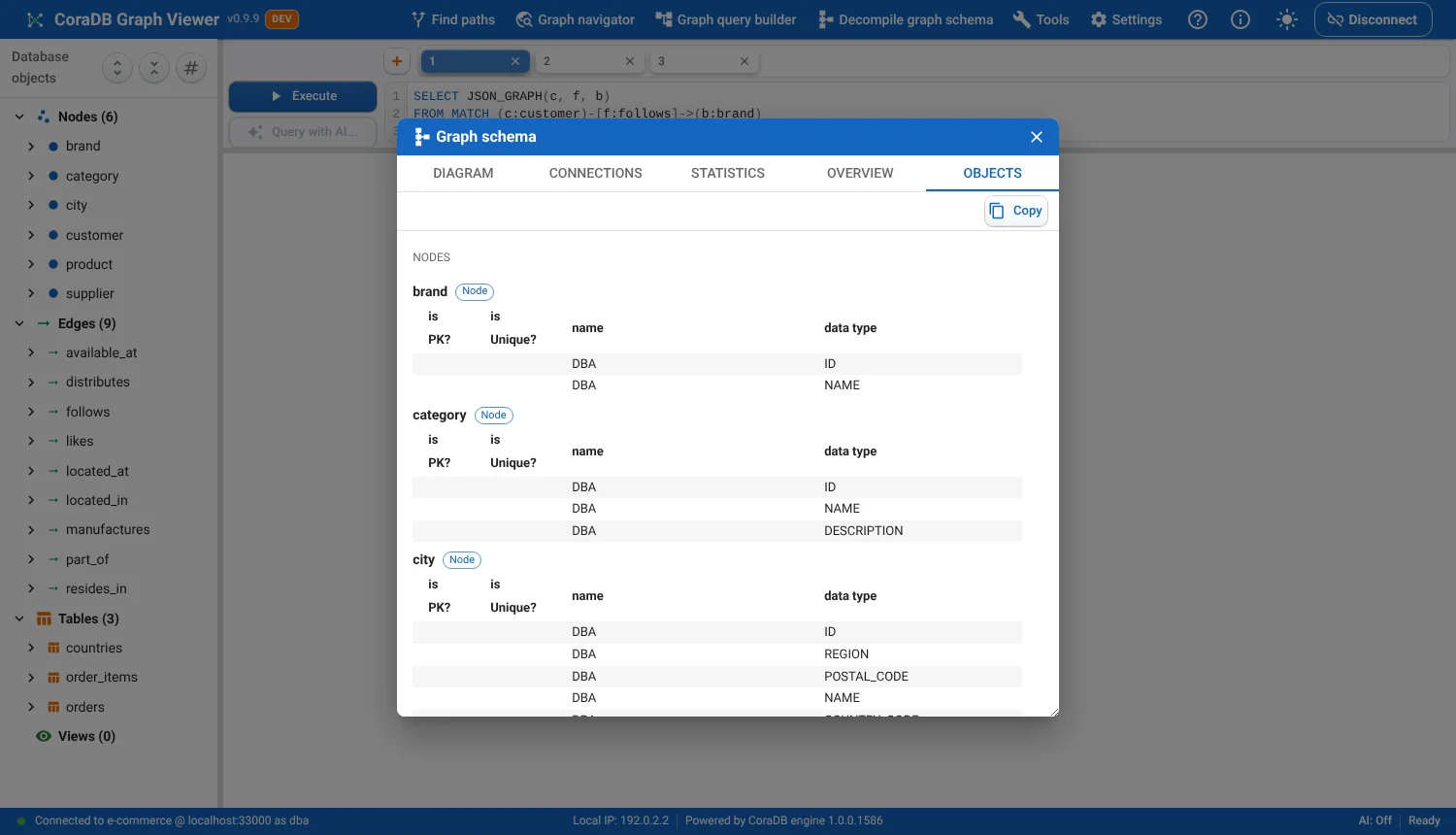
| Objects | The objects with their columns and details. |