Help menu
The Help menu in the header: the manual, the CoraDB SQL Graph syntax intro, the keyboard shortcuts and About.
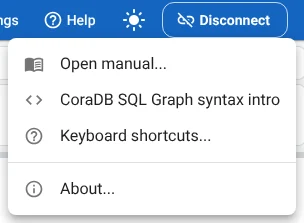
| Item | What it does |
|---|---|
| Open manual... | Open this manual in a new browser tab. |
| CoraDB SQL Graph syntax intro | Open an introduction to CoraDB's graph query language (MATCH patterns, JSON_GRAPH, quantified edges, ANY_SHORTEST) in a new tab. |
| Keyboard shortcuts... | Show every keyboard shortcut of the app (see below). |
| About... | The app's version, technologies and licence (see About). |
Keyboard shortcuts
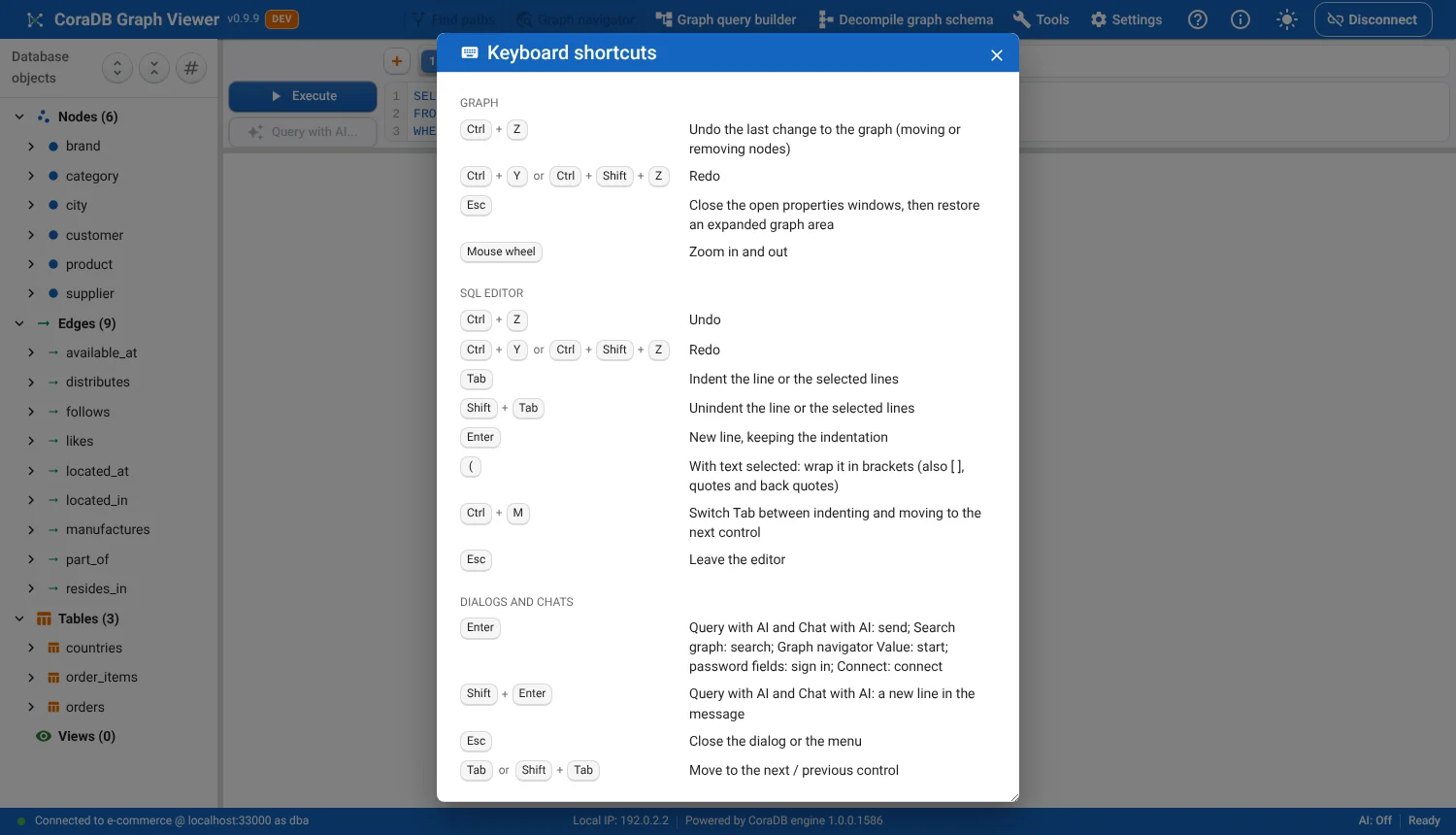
Graph
- Ctrl+Z: undo the last change to the graph (moving or removing nodes); Ctrl+Y or Ctrl+Shift+Z: redo.
- Esc: close the open properties windows, then restore an expanded graph area.
- Mouse wheel: zoom in and out.
SQL editor
- Ctrl+Z undo; redo is Ctrl+Y on Windows, Ctrl+Shift+Z on Linux, ⇧+⌘+Z on a Mac.
- Tab / Shift+Tab: indent / unindent the line or the selected lines; Enter keeps the indentation.
- With text selected, typing (, [, a quote or a back quote wraps the text in it.
- Ctrl+M (Ctrl+⇧+M on a Mac): switch Tab between indenting and moving to the next control; Esc leaves the editor.
Dialogs and chats
- Enter: send in Query with AI and Chat with AI (Shift+Enter adds a new line), search in Search graph, start the Graph navigator from its Value box, sign in from a password box, connect in the Connect dialog.
- Esc closes a dialog or a menu; Tab / Shift+Tab move between controls.